10 Best Free Productivity Apps in 2026
Okay, real talk have downloaded and deleted more productivity apps than I want to admit. You know the cycle. You find something shiny, set it up perfectly for one glorious afternoon, and then two weeks later you're back to writing your to-do list on a sticky note. So when I say I "tested" these apps, I mean I actually lived in them for weeks, not just poked around the settings menu once.
The good news is that a lot of genuinely useful apps don't cost anything, or at least give you enough for free that you never need to upgrade unless you're running a whole team. Here are the ten that actually earned a permanent spot on my phone or desktop, and honestly, why some of them didn't.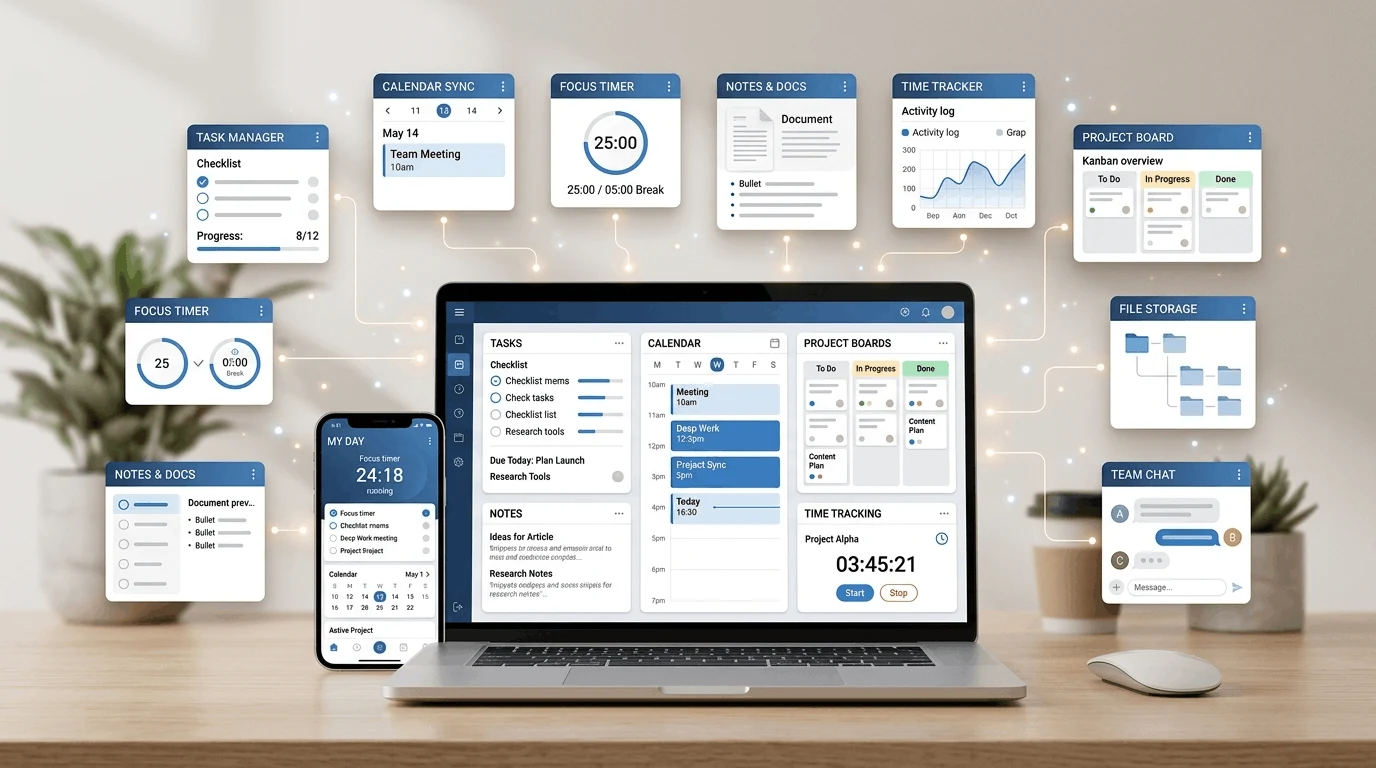
What Makes a Good Free Productivity App?
Before we get into the list, here's what I actually looked for. A good free app should get out of your way, not add more clutter to your day. I care about three things: does the free plan actually work without nagging you every five minutes to upgrade, is it fast enough that opening it isn't its own chore, and does it sync properly across your phone and laptop so you're not stuck re-typing the same note twice?
This isn't just a "nice to have" thing either. Employees toggle between apps close to 1,200 times a day, and a lot of that switching is just people hunting for information across tools that don't talk to each other. A good app should cut that down, not add to it.
Quick Overview
App | Best For | Platforms | Free Plan Limits |
|---|---|---|---|
Todoist | Task management | iOS, Android, Web, Desktop | Up to 5 active projects |
Google Keep | Quick notes | iOS, Android, Web | Unlimited notes |
Notion | All-in-one workspace | iOS, Android, Web, Desktop | Unlimited for individuals |
Forest | Focus & phone habits | iOS, Android | Full core features free |
TickTick | Tasks + calendar | iOS, Android, Web, Desktop | Up to 9 lists |
Google Calendar | Scheduling | iOS, Android, Web | Fully free |
Evernote | Note-taking | iOS, Android, Web, Desktop | 1 device sync limit |
Trello | Visual project boards | iOS, Android, Web, Desktop | Unlimited personal boards |
RescueTime | Time tracking | Desktop, Web | Basic tracking free |
Microsoft To Do | Simple task lists | iOS, Android, Web, Desktop | Fully free |
1. Todoist
Best for: People who want a task manager that isn't overkill.
Todoist has been my main to-do app for a while now, and it's stuck around because it doesn't try to be everything. You add a task, type "tomorrow at 3pm" or "every Monday," and it just gets it no fiddling with dropdown menus. The free plan caps you at 5 active projects, which sounds restrictive, but honestly, if you need more than 5 active projects as an individual, you might have a different problem than app choice.
What I like: Natural language input is genuinely great, and it works the same on every device. What bugs me: No calendar view on the free plan, which stings a little.
2. Google Keep
Best for: Fast, throwaway notes you don't want to lose.
Keep is the app I use for stuff that doesn't deserve a whole Notion page grocery lists, a random idea I had in the shower, a screenshot I need to remember exists. It's basically digital sticky notes, and that's the whole appeal. Nothing fancy, nothing to configure.
What I like: It opens instantly and syncs across devices without any lag. What bugs me: It's not built for anything more structured than a list don't try to force it into being a project tool.
3. Notion
Best for: Building your entire personal system in one place.
I've written a full guide on this one because there's genuinely a lot to it check out my Notion beginner guide if you want the full walkthrough. Short version here: Notion lets you build databases, dashboards, and notes all in one workspace, and the free plan is honestly generous for individuals. The catch is that it takes longer to set up than the other apps on this list. It's a "spend a weekend on it" kind of tool, not a "download and go" one.
What I like: It can genuinely replace three or four other apps once it's set up right. What bugs me: The learning curve is real, and it's easy to over-engineer your setup and never actually use it.
4. Forest
Best for: Actually putting your phone down.
This one's a bit different from the rest Forest gamifies focus by growing a little tree while you stay off your phone and killing it if you leave the app early. It sounds almost too simple to work, but there's something about not wanting to kill a virtual tree that genuinely keeps me off Instagram during a work sprint.
What I like: It's the only app on this list I'd call fun. What bugs me: It only controls your phone use it won't stop you from opening five browser tabs on your laptop.
5. TickTick
Best for: People who want tasks and a calendar in one view.
TickTick is basically what I'd recommend to someone who found Todoist a little too bare-bones. It bundles tasks with a built-in calendar, so you can actually see your day laid out instead of just a list. It also has a Pomodoro timer baked in, which I didn't expect to use but now genuinely do.
What I like: Calendar and tasks in one place, even on the free tier. What bugs me: The interface feels a bit busier than Todoist's — takes a little getting used to.
6. Google Calendar
Best for: Scheduling that just works, everywhere.
Not a flashy pick, I know. But Google Calendar earns its spot because it's completely free, it's fast, and basically everyone else you work with already uses it. There's real value in not fighting your tools half the point of a scheduling app is that other people can actually see your availability.
What I like: It integrates with everything, and I mean everything. What bugs me: It's purely a calendar don't expect task management depth here.
7. Evernote
Best for: Long-form notes you want to search later.
Evernote was the original note-taking app for a lot of us, and while it's lost some ground to Notion, it's still solid for pure note-taking especially if you clip a lot of articles or web pages. The free plan has gotten stingier over the years (you're limited to syncing across one device now, which is genuinely annoying), but for single-device use it's still reliable.
What I like: Searching inside notes, including handwritten ones, is still excellent. What bugs me: The one-device sync limit on free plans is a real dealbreaker for a lot of people.
8. Trello
Best for: Visual thinkers who like moving cards around.
Trello's Kanban boards are one of those things that either click for you immediately or don't. For me, they clicked there's something satisfying about literally dragging a task from "To Do" to "Done." It's overkill for a simple grocery list but genuinely useful for anything with multiple stages, like planning a trip or managing a side project.
What I like: Unlimited personal boards on the free plan, which is more generous than most competitors. What bugs me: It's not built for detailed sub-tasks you'll outgrow it fast for complex projects.
9. RescueTime
Best for: Finding out where your time actually goes.
This one's less about organizing tasks and more about brutal honesty. RescueTime runs quietly in the background and tracks what apps and sites you're actually spending time on. The first week I used it was a little humbling, if I'm honest turns out I "quickly checked" social media a lot more than I thought, and I'm apparently not alone: internet browsing and social media are the top workplace distractions for most people, according to recent data.
What I like: It's eye-opening in a way that actually changes behavior. What bugs me: The free version only gives you basic tracking the good reports are behind the paid plan.
10. Microsoft To Do
Best for: Anyone already living in the Microsoft ecosystem.
If your work runs on Outlook and Teams, Microsoft To Do just makes sense it syncs with Outlook tasks automatically, and the whole thing is free with no real limits. It's not as feature-rich as Todoist or TickTick, but for a lot of people, "simple and free" is exactly the point.
What I like: Zero cost, zero limits, and it plays nicely with Outlook. What bugs me: It's fairly basic no calendar view, no advanced recurring task options.
How to Choose the Right Free Productivity App
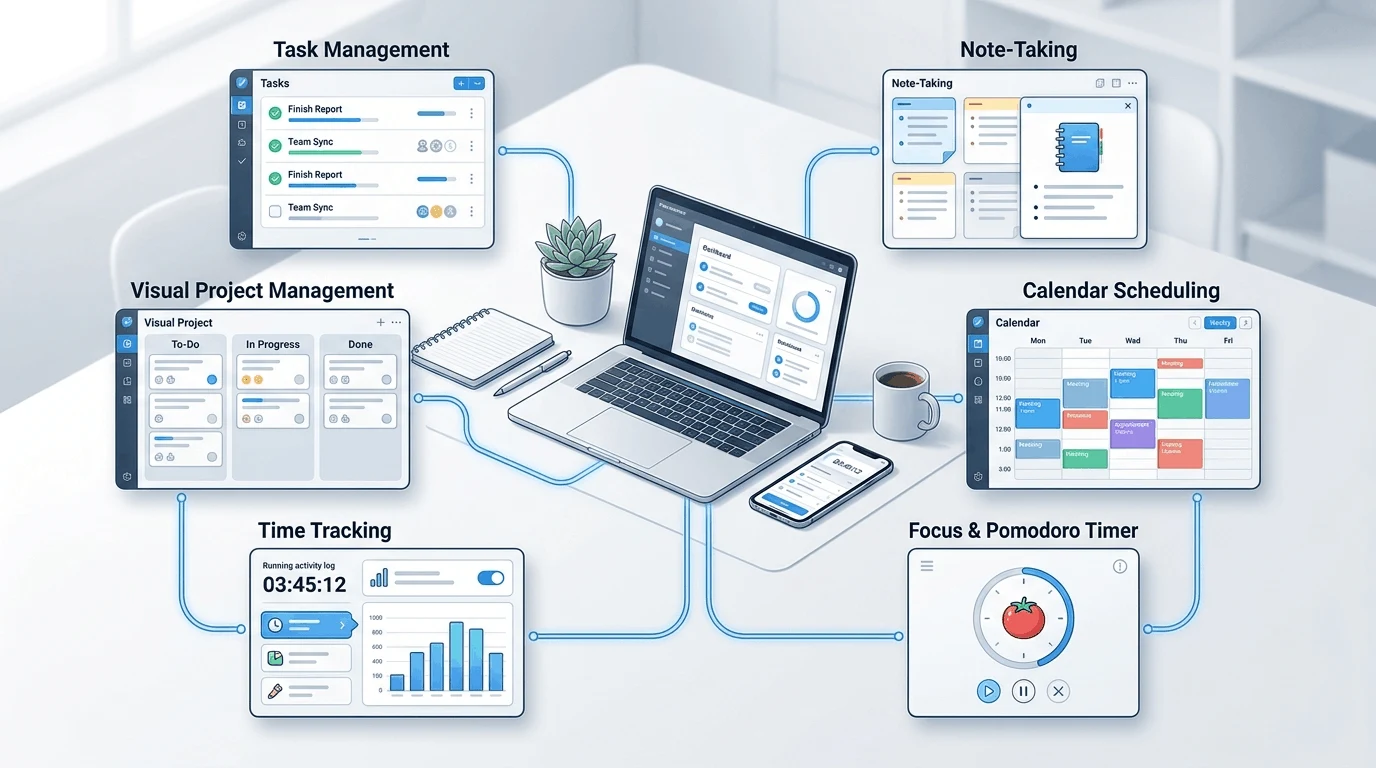
Don't try to install all ten of these. That's a trap I've fallen into myself, and it just adds to the app-switching problem instead of solving it nearly half of workers say constantly toggling between apps actually makes them less productive. Pick based on what you're actually trying to fix:
Overwhelmed by tasks? Start with Todoist or TickTick.
Need quick notes, not a system? Google Keep is all you need.
Want one tool to rule them all? Notion, but budget real setup time.
Can't stay off your phone? Forest.
Curious where your time actually goes? RescueTime, even just for a week.
And honestly give whatever you pick at least two weeks before deciding it's "not working." Most productivity apps fail not because they're bad, but because we give up on them before the habit sticks.
Frequently Asked Questions
What is the best free productivity app overall? It depends on what you need, but Todoist is the one I'd recommend to most people first It's simple and fast, and the free plan covers what an individual actually needs.
Are free productivity apps good enough, or do I need to pay? For most individuals, free plans are genuinely enough. Paid tiers mostly add value for teams more storage, admin controls, or advanced reporting most solo users won't touch.