Free Note Taking Apps for Android
Finding the best free note taking apps Android users can rely on can feel overwhelming with so many options available. Whether you need a simple place to jot down quick thoughts, a structured system for study notes, or a powerful workspace for managing tasks and projects, Android has strong free options for every use case. This guide compares the top free note-taking apps available in 2026, explaining what each one does well and who it is best suited for.
The right note-taking app depends entirely on how you take notes and what you need from it. Some people want speed and simplicity, while others need rich formatting, organization, and cross-device syncing. Let us explore the best free note taking apps Android has to offer and find the one that fits your workflow perfectly. If you are considering an all-in-one workspace, read our Notion beginner guide.
Why a Good Note-Taking App Matters
Any app can store text. You could use a plain text file or a basic notes app. But a good note-taking app helps you find your notes quickly when you need them, stay organized without effort, and keep everything in one accessible place across all your devices.
The difference between a mediocre note-taking app and a great one becomes obvious over time. When you have hundreds of notes, the ability to search, tag, filter, and organize them makes all the difference. The best free note taking apps Android offer these capabilities without requiring a paid subscription.
Top Free Note-Taking Apps for Android in 2026
1. Google Keep
Google Keep is the ideal choice for quick notes, reminders, and checklists. The interface is clean and minimal, with color-coded notes that make visual organization easy. You can create checklists with checkboxes, set time-based and location-based reminders, and even add voice recordings and images to your notes.
Google Keep syncs automatically with your Google account across all your devices, including your phone, tablet, computer, and web browser. The search feature works well, and the label system helps you organize notes without overcomplicating things. For most people, Google Keep is the best starting point among free note taking apps Android users can download. See Google's official Google Keep app to try it.
2. Microsoft OneNote
Microsoft OneNote takes a different approach with its notebook-style organization. You create notebooks, sections, and pages, mimicking the structure of a physical notebook but with the flexibility of digital content. You can add images, audio recordings, drawings, tables, and even embed files.
OneNote is particularly strong for students and professionals who need structured, detailed notes. The free-form canvas lets you place content anywhere on the page, which is great for mind maps and visual note-taking. If you need more structure than Google Keep but less complexity than Notion, OneNote hits the sweet spot among free note taking apps Android offers. Microsoft provides the official OneNote page here.
3. Notion
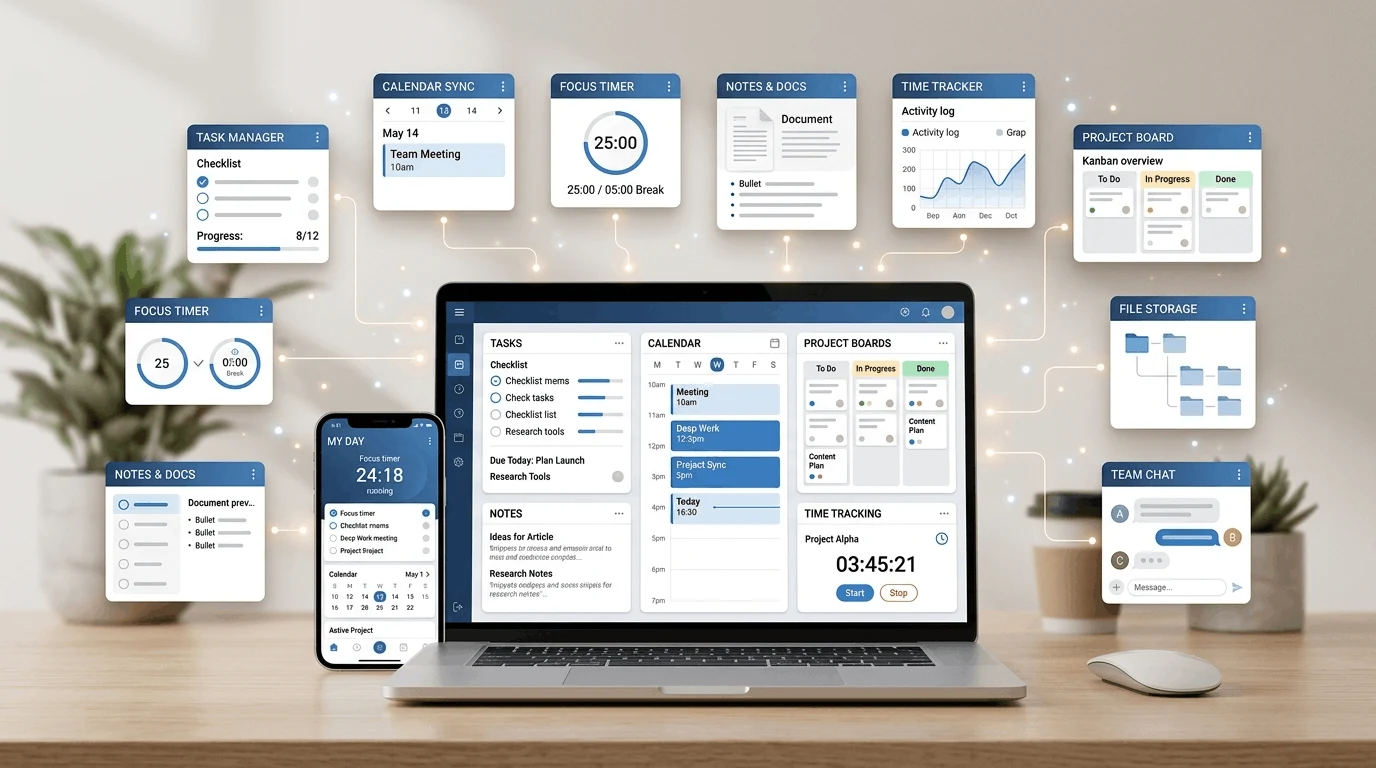
Notion is more than a note-taking app. It is a full workspace that combines notes, tasks, databases, and project management. You can build custom layouts with different block types, create databases with multiple views, and link everything together.
The free plan for individuals is generous, giving you unlimited pages and blocks. Notion has a steeper learning curve than simpler apps, but once you understand the block-based system, it becomes incredibly powerful. If you want your notes, tasks, and projects in one place, Notion is the strongest option among free note taking apps Android users can access.
4. Evernote
Evernote has been a popular note-taking app for years, and it still offers solid functionality. The web clipper browser extension is one of its standout features, allowing you to save articles, web pages, and research directly from your browser. Inside Evernote, you can organize notes into notebooks and tag them for easy searching.
The free version of Evernote has some limitations, including a monthly upload cap and device restrictions. However, it remains a capable tool for saving and organizing research, articles, and reference materials alongside your regular notes.
5. Simplenote
Simplenote does exactly what its name suggests. It provides a clean, distraction-free environment for writing plain text notes. There are no formatting options, no images, and no databases. Just text, search, and tags.
This minimalism is actually Simplenote's greatest strength. If you want to capture ideas quickly without getting bogged down in organization, Simplenote is perfect. It syncs across all your devices, is completely free with no ads, and is one of the fastest note-taking apps available. Sometimes the simplest approach is the best, which is why Simplenote earns its place among the best free note taking apps Android has.
6. ColorNote
ColorNote is a popular Android-native note-taking app that uses a color-coded grid layout. You create notes or checklists and assign each one a color for quick visual identification. The interface is extremely simple, and opening a new note takes just one tap.
ColorNote is best for quick lists, reminders, and short notes. It does not offer the organizational depth of Notion or OneNote, but its simplicity and speed make it ideal for everyday use. If you primarily need to jot down quick reminders and shopping lists, ColorNote is one of the most practical free note taking apps Android provides.
7. Joplin
Joplin is an open-source note-taking app that focuses on privacy and data ownership. All your notes are stored locally or in the cloud storage service of your choice, including Dropbox, OneDrive, and Nextcloud. This means your data stays under your control.
Joplin supports markdown formatting, which is useful for people who prefer writing in plain text with simple formatting syntax. It also includes a web clipper, end-to-end encryption, and a clean interface. If privacy and data ownership are priorities for you, Joplin stands out among free note taking apps Android users should consider.
How to Choose the Right Note-Taking App
The best free note taking apps Android depend on your specific needs. Here is a quick guide to help you decide:
For quick notes and reminders: Google Keep or ColorNote
For structured study notes: Microsoft OneNote
For an all-in-one workspace: Notion
For web research and clipping: Evernote
For minimal, fast note-taking: Simplenote
For privacy-focused notes: Joplin
No single app is perfect for everyone. Consider what matters most to you: speed, organization, features, privacy, or cross-device syncing. The right choice is the app you actually use consistently.
Tips for Better Note-Taking on Android
The app you choose matters, but your note-taking habits matter even more. Here are practical tips to make the most of whichever app you select from these free note taking apps Android offers. For browser-based research, our guide to the best Chrome extensions for productivity may also help:
Keep your notes concise: Write short, focused notes instead of long paragraphs. This makes them easier to find and review later.
Use tags or labels: Tag notes by topic or project so you can quickly filter and find related content.
Review your notes regularly: Set a weekly reminder to review and organize your notes. Do not let them pile up into an unmanageable mess.
Write down thoughts immediately: Do not wait to capture ideas. The faster you write something down, the less likely you are to forget it.
Use reminders for time-sensitive notes: Most apps support reminders. Use them for notes that need action at a specific time.
Common Mistakes to Avoid
Many people try several note-taking apps and never stick with one. Here are the most common mistakes:
Switching apps too often: Give your chosen app at least two weeks before deciding it is not right for you.
Trying to make every note perfect: Notes are for you. Focus on capturing information quickly rather than making them look beautiful.
Not organizing notes at all: Even simple organization with tags or folders helps enormously when you need to find something later.
Forgetting to back up: If your notes are important, make sure they are backed up to the cloud or exported periodically.
Final Thoughts
The best free note taking apps Android users can download in 2026 offer something for everyone, from ultra-simple text editors to full-featured productivity workspaces. The key is to identify what you need most, choose an app that matches those needs, and use it consistently.
Try one app for a few days. See if it fits your workflow. If it does not, try another. The best note-taking app is the one you actually use every day without thinking about it. When your notes are organized and easy to find, your entire digital life feels less chaotic and more productive.
Frequently Asked Questions
What is the simplest free note-taking app for Android?
Google Keep and Simplenote are the simplest options. Google Keep offers color-coded notes with reminders, while Simplenote provides a completely distraction-free text editor. Both are fast, free, and sync across devices with minimal setup required.
Can I use Notion for free on Android?
Yes. Notion's free plan is generous for individual use, offering unlimited pages and blocks. The Android app provides full access to your workspace, including notes, databases, and task management features. Paid plans are only necessary for team collaboration and advanced administrative features. Check Notion's official mobile guide for setup help.