Apps to Organize Study Schedule
Staying organized with your study schedule is harder than it sounds. Some days you feel motivated and productive. Other days, distractions take over, and suddenly an hour has passed with nothing to show for it. The good news is that the right apps study schedule tools can help you take control of your time and study more effectively.
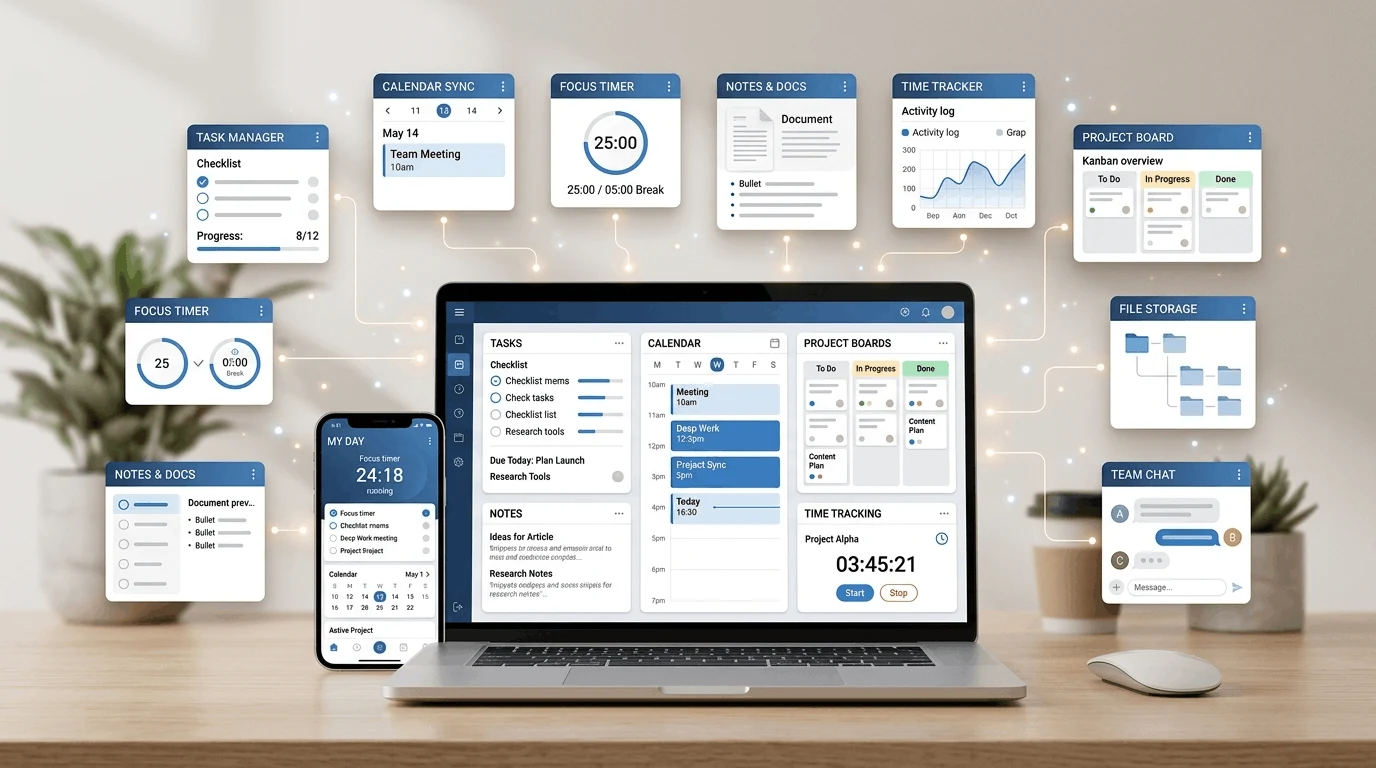
I tested eight different apps designed to help students organize their study schedules. Some were simple to-do list apps. Others were full-featured study planners with timers, analytics, and progress tracking. In this guide, I will share the apps study schedule tools that actually worked, explain how to use them, and help you build a system that fits your learning style. For more note organization ideas, see our guide to free note-taking apps for Android.
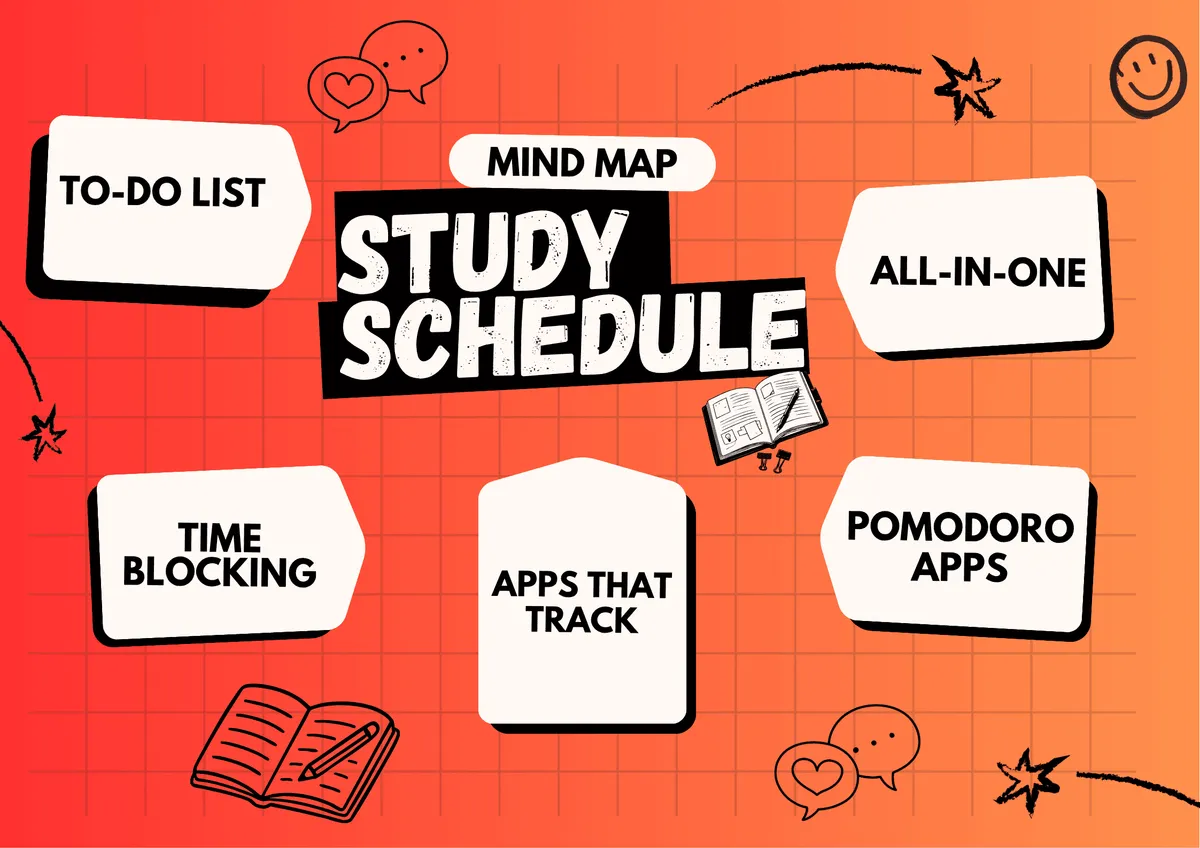
Why You Need a Study Schedule App
Planning your study schedule in your head does not work. When everything stays in your mind, it creates mental clutter. You keep thinking about what you should be studying instead of actually studying. This constant mental juggling is exhausting and reduces the quality of your focus.
Writing things down takes that pressure off. A good study schedule app lets you plan your sessions, track your progress, and follow a clear plan without constantly wondering what to do next. It also helps you avoid last-minute cramming before exams by spreading your study sessions over time.
The best apps study schedule tools do more than just list tasks. They help you build sustainable habits, stay accountable, and make progress toward your academic goals without burning out.
1. Forest
Forest is a focus and study timer app that uses gamification to help you stay on task. When you start a study session, you plant a virtual tree. The tree grows while you focus. If you leave the app to check social media or browse the web, your tree dies.
This simple mechanic is surprisingly effective. The visual representation of your focus time creates a sense of accomplishment, and the desire to keep your tree alive is a powerful motivator. Forest also lets you earn coins that you can use to plant real trees through the app's partnership with Trees for the Future.
Forest uses the Pomodoro technique by default, with 25-minute focus sessions and 5-minute breaks. You can customize the intervals to match your preferred study rhythm. The app tracks your daily and weekly focus time, giving you a clear picture of how much productive time you actually put in. Learn more on the official Forest website.
Best for: Students who need motivation to stay focused during study sessions.
2. MyStudyLife
MyStudyLife is a study planner specifically designed for students. It lets you input your class schedule, exam dates, assignments, and study tasks in one place. The app provides a weekly and monthly view of your commitments, so you always know what is coming up.
What makes MyStudyLife one of the apps study schedule standouts is its student-specific features. You can track classes by semester, set reminders for assignment deadlines, and mark exams on a calendar. The app also works offline, which is useful for students who do not always have internet access.
I used MyStudyLife during exam season to visualize all my upcoming tests and plan my revision schedule. Having everything in one view helped me prioritize subjects and avoid the panic of realizing an exam was tomorrow.
Best for: Students who want a dedicated academic planner with class and exam tracking.
3. Todoist
Todoist is a task management app that works well for study scheduling when you set it up correctly. The key is breaking down large study goals into small, actionable tasks. Instead of writing "Study Biology," you would create tasks like "Read chapter 5," "Complete practice questions," and "Review flashcards."
Todoist supports due dates, priorities, labels, and projects. You can create a study project for each subject, set recurring tasks for daily review, and use the "Today" view to see what needs to be done right now. The Karma feature tracks your productivity and gives you a score based on completed tasks.
The app works across all devices and integrates with calendars, email, and other tools. It is simple enough for beginners but powerful enough for complex study plans. You can learn more on Todoist's official product page.
Best for: Students who prefer a clean task-based approach to study planning.
4. Google Calendar
Google Calendar is not a dedicated study app, but it is one of the most effective apps study schedule tools for time blocking. Time blocking means assigning specific time slots to specific tasks throughout your day.
For example, you might block 4:00 to 5:00 PM for Math, 5:00 to 5:30 PM for a break, and 5:30 to 6:30 PM for English. When the time block arrives, you know exactly what to study without making a decision in the moment.
Google Calendar supports color coding, recurring events, reminders, and shared calendars. You can share your study schedule with accountability partners or study groups. The free version includes everything most students need. Visit Google Calendar to create your first study blocks.
Best for: Students who prefer visual time blocking and need calendar integration.
5. Focus To-Do
Focus To-Do combines a Pomodoro timer with a task manager. You create tasks, set estimated pomodoros for each one, and the app tracks your progress as you complete focus sessions. It is one of the most complete apps study schedule tools for combining planning with execution.
The app provides detailed statistics on your focus time, including daily, weekly, and monthly trends. You can see which subjects you spend the most time on, how long your average focus session lasts, and when you are most productive during the day.
Focus To-Do also supports task categories, priorities, and reminders. The integration of task management and focus timing makes it a one-stop solution for students who want to plan and execute their study schedule in a single app.
Best for: Students who want detailed focus analytics combined with task management.
6. Notion
Notion is an all-in-one workspace that you can customize to build your ideal study schedule system. You can create pages for each subject, build databases of tasks and assignments, set up calendars, and link notes directly to your study plan.
The flexibility of Notion makes it one of the most powerful apps study schedule tools available. You can build a custom dashboard that shows your weekly schedule, upcoming deadlines, study progress, and notes all in one view. Notion also has templates specifically designed for students. Our Notion beginner guide explains the basic setup.
The downside is that Notion can feel overwhelming at first. It requires setup, and the learning curve is steeper than simpler apps. But if you invest the time to build a system, Notion becomes an incredibly effective study companion.
Best for: Students who want a fully customizable study system and are willing to invest time in setup.
7. Pomofocus
Pomofocus is a simple, web-based Pomodoro timer that you can access from any browser. It does not require installation, which makes it perfect for students who study on shared computers or do not want to install new apps.
The interface is clean and distraction-free. You set your work and break intervals, start the timer, and focus. Pomofocus tracks your completed sessions and provides basic statistics on your daily focus time.
While Pomofocus lacks the advanced features of dedicated study apps, its simplicity is its strength. There is nothing to configure, no accounts to create, and no distractions. You open the site and start studying immediately.
Best for: Students who want a no-frills Pomodoro timer without installation or setup.
8. Trello
Trello is a project management tool that uses a Kanban board system. You create boards with columns representing different stages of your work, and you move cards (tasks) through those columns as you complete them.
For study scheduling, you can create a board with columns like "To Study," "In Progress," "Review Needed," and "Completed." Each card represents a study task or topic. Dragging cards between columns gives you a visual representation of your progress.
Trello works well for students who are visual learners and prefer a hands-on approach to planning. The free plan includes unlimited boards, cards, and lists, which is more than enough for most study schedules. If you use Chrome for research, our guide to the best Chrome extensions for productivity is also useful.
Best for: Visual learners who prefer a Kanban-style approach to study planning.
How to Build an Effective Study Schedule
Choosing the right app is only half the battle. Here is how to build a study schedule that actually works:
Be realistic: Do not schedule eight hours of studying when you realistically focus for three. Start with what you can actually do and build from there.
Break tasks down: Large study goals like "Study Chemistry" are too vague. Break them into specific actions like "Review Chapter 3 notes" or "Complete 10 practice problems."
Schedule breaks: Breaks are not optional. Your brain needs rest to process and retain information. The Pomodoro technique (25 minutes of work, 5-minute break) is a proven approach.
Review and adjust: Check your schedule every few days. If something is not working, change it. A study schedule should adapt to your needs, not the other way around.
Use reminders: Set alarms or notifications so you do not forget study sessions. Consistency is more important than intensity.
Common Study Schedule Mistakes
Even with the best apps study schedule tools, these mistakes can derail your progress:
Overloading your schedule: Packing every hour with study time leads to burnout. Leave room for rest and unexpected events.
Ignoring difficult subjects: It is tempting to study what you already know. Prioritize the subjects and topics you struggle with.
Not taking breaks: Studying for hours without breaks reduces retention and increases fatigue.
Skipping reviews: Reviewing previously learned material is essential for long-term retention. Schedule regular review sessions.
Final Thoughts
The right apps study schedule tools can make a significant difference in how effectively you study. But the app is only a tool. Your habits, consistency, and willingness to adapt are what ultimately determine your success.
Start with one app that matches your learning style. Use it for at least two weeks before deciding if it works. Build your schedule around realistic time blocks and regular breaks. Over time, these small habits will compound into significant academic improvement.
Frequently Asked Questions
What is the best app for organizing a study schedule?
The best apps study schedule tool depends on your needs. Forest is great for focus and motivation. MyStudyLife is ideal for academic planning. Todoist works well for task-based study plans. Google Calendar is excellent for time blocking.
Is the Pomodoro technique effective for studying?
Yes. The Pomodoro technique helps maintain focus and prevent burnout. Breaking study sessions into 25-minute intervals with short breaks keeps your mind fresh and improves information retention. Many students find it one of the most effective study methods.