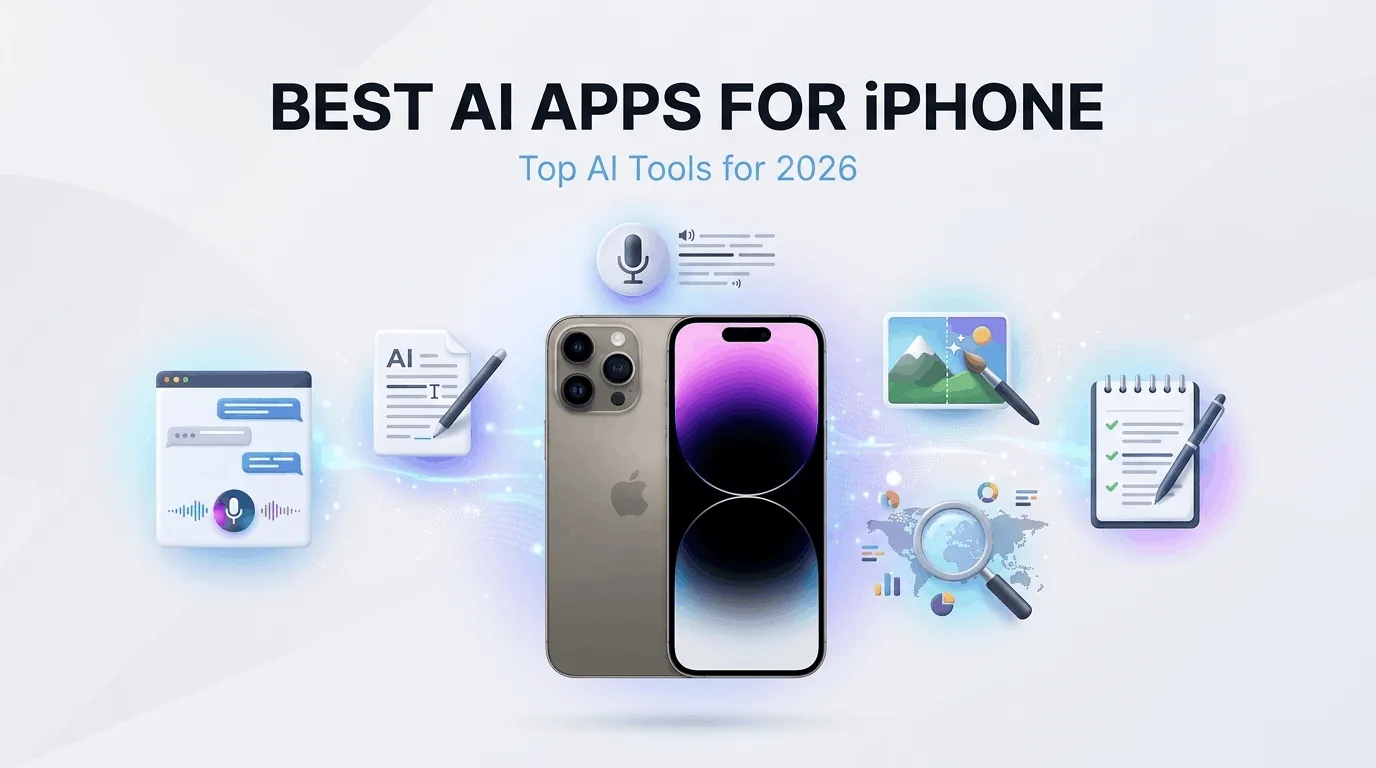
Best AI Apps for iPhone
Finding the best AI apps for iPhone can feel overwhelming with so many options available on the App Store. Every week there seems to be a new AI-powered app promising to change the way you work, write, or create. The reality is that most of these apps do not live up to the hype. I tested dozens of them over the past few months, and only a handful actually made it into my daily rotation.
Whether you need help with writing, photo editing, note-taking, or staying productive, there is an best AI apps for iPhone that can genuinely save you time. In this guide, I will walk you through the top AI apps I actually use on my iPhone, explain what each one does well, and help you decide which ones are worth downloading. For organizing AI-assisted work, see our Notion beginner guide.
Why AI Apps on iPhone Matter in 2026
AI has moved beyond desktop computers and cloud platforms. The best AI apps for iPhone now run powerful models directly on your phone, giving you access to intelligent features wherever you go. You no longer need a laptop or a special setup to benefit from AI-powered tools.
The reason these apps matter is simple: they save time. Tasks that used to take twenty or thirty minutes now take a few seconds. Writing an email, editing a photo, transcribing a meeting, or brainstorming ideas can all be done faster with the right AI app on your iPhone.
But not every AI app is worth your attention. Many are bloated, unreliable, or locked behind expensive subscriptions. The apps in this guide are the ones I found genuinely useful after weeks of testing.
1. ChatGPT
ChatGPT by OpenAI is the most versatile best AI apps for iPhone available today. It functions as a writing assistant, brainstorming partner, research tool, and conversational AI all rolled into one. Whether you need to draft an email, explain a complex concept, generate code, or simply ask a question, ChatGPT handles it with impressive accuracy.
The iPhone app is fast and well-designed. You can type or speak your questions, and the responses come back in seconds. You can also save conversations, create custom instructions, and use the image generation feature to create pictures from text descriptions. Download it from the official ChatGPT download page.
I use ChatGPT almost daily for drafting emails, summarizing long articles, and brainstorming content ideas. The free tier gives you access to GPT-4o mini, which is more than enough for most people. If you want access to the latest models and advanced features, the Plus plan costs $20 per month.
Best for: General-purpose AI assistance, writing, brainstorming, and research.
2. Grammarly
Grammarly is an AI-powered writing assistant that goes far beyond basic spell-checking. It analyzes your writing for grammar errors, clarity issues, tone inconsistencies, and word choice. The iPhone app works as a keyboard, so you can use it inside any app that accepts text input.
What makes Grammarly one of the best AI apps for iPhone is its ability to adapt to different contexts. Writing a formal email? Grammarly adjusts its suggestions. Sending a casual text message? It tones down the formality. This contextual awareness makes it genuinely useful in real-world situations.
The free version handles grammar, spelling, and punctuation. The premium version adds tone detection, full-sentence rewrites, and plagiarism checking. I have been using Grammarly for years, and it has caught countless mistakes that I would have missed on my own. See Grammarly's official iPhone app page for installation details.
Best for: Improving writing quality across all apps on your iPhone.
3. Otter.ai
Otter.ai is an AI transcription app that converts spoken words into text in real time. If you attend meetings, lectures, or interviews, this app is incredibly valuable. It records audio and generates a searchable transcript simultaneously, so you can focus on the conversation instead of taking notes.
The iPhone app runs in the background while you record, and it supports speaker identification, so you can tell who said what. After the recording, Otter generates a summary with key action items and highlights. You can also export the transcript as a text file or share it directly with others.
I use Otter.ai for meetings and interviews where I need accurate records without the distraction of manual note-taking. The free plan gives you 300 minutes of transcription per month, which is enough for occasional use. The Pro plan doubles that limit and adds features like advanced search and custom vocabulary.
Best for: Transcribing meetings, lectures, interviews, and conversations.
4. Lensa AI
Lensa AI is a photo editing app that uses artificial intelligence to enhance portraits, remove backgrounds, and create stylized images. It is especially popular for its avatar feature, which generates artistic versions of your photos in various styles.
The editing tools in Lensa are straightforward and effective. You can blur backgrounds, adjust lighting, smooth skin, and remove unwanted objects with a few taps. The AI does most of the heavy lifting, so you do not need any photo editing experience.
While Lensa is not the most feature-rich photo editor on the iPhone, its AI-powered features make it one of the best AI apps for iPhone for quick, high-quality photo edits. The free version includes basic editing tools, and the premium plan unlocks avatar generation and advanced features.
Best for: Quick photo enhancements, portrait editing, and creating stylized avatars.
5. Notion AI
If you already use Notion for notes, tasks, or project management, Notion AI adds a powerful layer of intelligence to your workflow. It can summarize long documents, generate content, translate text, fix writing, and answer questions about your notes.
The iPhone app integrates Notion AI directly into your existing workspace. You can highlight text and ask the AI to rewrite it, expand on an idea, or extract key points. It is like having a writing assistant built into your note-taking system.
Notion AI is particularly useful for people who manage large amounts of information. If you have pages of meeting notes, research, or project documentation, Notion AI helps you find and process that information quickly. The AI features cost an additional $10 per month on top of your Notion plan.
Best for: Notion users who want AI-powered writing and summarization within their workspace.
6. Replika
Replika is a different kind of AI app. It is an AI chatbot designed for conversation, reflection, and emotional support. You can chat with your Replika about anything, and it responds with empathy and thoughtfulness. Some people use it for journaling, others for practicing conversations, and some simply enjoy having a non-judgmental AI to talk to.
The iPhone app creates a personalized experience over time. Your Replika learns from your conversations and adapts to your communication style. It is not a replacement for human connection, but it can be a helpful tool for self-reflection and stress relief.
Replika is free to use for basic conversations. The premium subscription unlocks features like voice calls, custom avatars, and advanced conversation modes. Not everyone will find value in this app, but those who do tend to use it regularly.
Best for: Conversational AI, journaling, and emotional support.
7. Perplexity AI
Perplexity AI is a search-focused AI app that provides direct answers to your questions with citations. Unlike traditional search engines that give you a list of links, Perplexity synthesizes information from multiple sources and presents a clear, well-organized answer.
The iPhone app is fast and clean. You type a question, and Perplexity searches the web in real time, then gives you a concise answer with source links. You can follow up with additional questions to dig deeper into a topic without starting a new search.
I use Perplexity when I need quick, reliable answers without wading through multiple websites. The free version gives you unlimited quick searches and a limited number of deeper "Pro" searches. It is one of the best AI apps for iPhone for anyone who does a lot of research. For more research and writing tools, see our guide to the best AI tools for content writing.
Best for: Quick research, fact-checking, and getting direct answers with sources.
How to Choose the Right AI App
You do not need all seven of these apps. The best approach is to identify what you actually need and start with one or two apps. If you also work in a browser, our guide to the best Chrome extensions for productivity is a useful companion.
Need help with writing and general tasks? Start with ChatGPT.
Write emails and messages frequently? Add Grammarly.
Attend meetings or lectures? Try Otter.ai.
Edit photos regularly? Download Lensa AI.
Already use Notion? Enable Notion AI.
Want AI search results? Try Perplexity AI.
Common Mistakes to Avoid
When using the best AI apps for iPhone, avoid these common pitfalls:
Expecting perfect results every time. AI tools make mistakes and need human oversight.
Using too many apps at once. This leads to app fatigue and wasted subscriptions.
Ignoring privacy settings. Always review what data an app collects and how it is used.
Not adjusting your prompts. If the first result is not great, try rewording your request.
Final Thoughts
The best AI apps for iPhone in 2026 are genuinely useful tools that can save you time, improve your writing, enhance your photos, and help you stay organized. The key is to choose apps that match your actual needs rather than downloading everything available.
Start with one or two apps that solve your biggest daily challenges. Use them consistently for a few weeks. You will be surprised at how much more productive your iPhone becomes when you have the right AI tools installed.
Frequently Asked Questions
What is the best free AI app for iPhone?
ChatGPT offers the most versatile free experience among the best AI apps for iPhone. The free tier gives you access to GPT-4o mini for writing, brainstorming, and general questions. Grammarly also has a solid free plan for basic grammar and spelling checks.
Are AI apps safe to use on iPhone?
Most AI apps from reputable developers are safe to use. However, always review the privacy policy and settings before using any AI app. Some apps send your data to cloud servers for processing, which means your information may be stored externally.