Top 10 Best Apps for Students & Self-Learning (2026 Guide)
Finding the best apps students need for self-learning can be overwhelming with so many options available. Learning is no longer limited to classrooms and textbooks. With the right apps, you can learn anything from a new language to advanced programming from your phone, at your own pace, and often for free. Whether you are a student looking to supplement your coursework or a self-learner pursuing new skills, the right tools can make a significant difference.
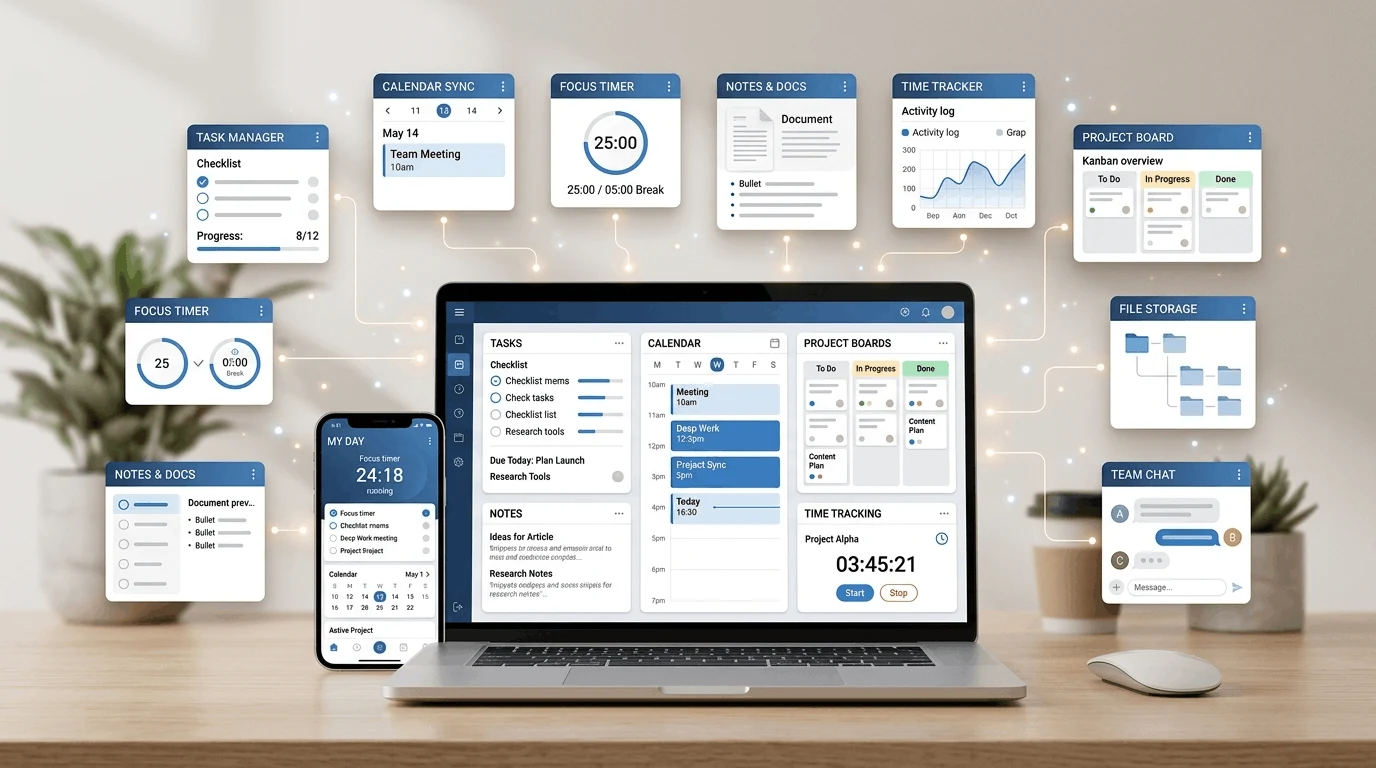
I tested over a dozen learning apps over the past six months. Some were genuinely excellent. Others were not worth the download. In this guide, I will share the best apps students can use for self-learning, explain what each one does well, and help you choose the apps that match your learning goals. To organize your study time, see our guide to apps for organizing a study schedule.
Why Self-Learning Apps Matter in 2026
Self-learning has become more accessible than ever. The best apps students can access today provide content from world-class educators, universities, and institutions. You no longer need to be physically present in a classroom to learn from the best teachers in the world.
The key advantage of learning apps is flexibility. You can study on your commute, during lunch breaks, or before bed. You can learn at your own pace, review difficult concepts as many times as you need, and choose topics that genuinely interest you.
However, not all learning apps are created equal. Some offer shallow content that does not lead to real understanding. Others have poor interfaces that make learning frustrating. The apps in this guide are the ones I found genuinely effective after months of testing.
1. Duolingo
Duolingo is the most popular language-learning app in the world, and for good reason. It turns language learning into a game with lessons, streaks, leaderboards, and achievement badges. The app covers over 40 languages, from Spanish and French to Japanese and Arabic.
What makes Duolingo one of the best apps students can use is its accessibility. Lessons are short (5-15 minutes), which makes it easy to fit language practice into a busy schedule. The gamification elements keep you coming back, and the spaced repetition system helps you retain what you learn.
Duolingo will not make you fluent on its own, but it provides an excellent foundation. It teaches vocabulary, grammar, and sentence structure through incremental lessons that build on each other. I used it for three months and noticed significant improvement in my Spanish comprehension. Visit the official Duolingo website to explore its courses.
Best for: Beginners who want to start learning a new language in a fun, low-pressure way.
2. Khan Academy
Khan Academy is a free educational platform that covers math, science, economics, history, computing, and more. The content is presented through video lessons, practice exercises, and progress tracking. It feels like having a patient tutor who explains everything clearly.
What sets Khan Academy apart from other best apps students can find is the depth of its content. The platform covers topics from basic arithmetic through advanced calculus, from biology through AP Physics. Each topic includes multiple lessons with practice problems that test your understanding.
I used Khan Academy to review calculus concepts I had forgotten from school. The video lessons are clear and well-paced, and the practice exercises helped me identify which topics needed more review. Everything is completely free, with no premium tier or hidden costs. Start learning on the official Khan Academy website.
Best for: Students who need structured lessons in math, science, and other academic subjects.
3. Coursera
Coursera partners with universities and companies to offer online courses on a wide range of topics. You can take courses from Stanford, Yale, Google, and other prestigious institutions. Topics include coding, data science, business, psychology, and many more.
Many Coursera courses are free to audit, meaning you can watch lectures and read materials without paying. If you want a certificate, assignments graded, or full access to course materials, you need to pay. The certificates can be valuable for your resume.
Coursera is one of the best apps students can use for structured, university-level learning. The courses include video lectures, readings, quizzes, and peer-graded assignments. Some courses take several weeks to complete, so they require a real commitment.
Best for: Students who want university-quality courses on academic and professional topics.
4. Quizlet
Quizlet is a flashcard app that uses spaced repetition to help you memorize information efficiently. You can create your own flashcard sets or use millions of sets created by other users. The app supports multiple study modes, including flashcards, learn mode, test mode, and matching games.
What makes Quizlet one of the best apps students can use is its effectiveness for memorization. Whether you need to learn vocabulary, historical dates, scientific terms, or formulas, Quizlet's spaced repetition algorithm ensures you review material at optimal intervals for long-term retention.
I used Quizlet before exams to review key terms and concepts. The ability to create custom flashcard sets for each subject made it an essential part of my study routine. The free version includes all the core features you need.
Best for: Students who need to memorize large amounts of information efficiently.
5. SoloLearn
SoloLearn makes coding accessible to beginners through short lessons, interactive exercises, and a supportive community. The app covers Python, JavaScript, HTML/CSS, Java, C++, and many other programming languages and technologies.
What makes SoloLearn one of the best apps students can use for coding is its hands-on approach. You do not just read about code. You write it, run it, and see the results immediately. Each lesson includes practice exercises that reinforce what you have learned.
The community feature is also valuable. You can ask questions, share code, and learn from other users. This social aspect makes learning to code less isolating and more engaging. The free tier gives you access to all courses and exercises.
Best for: Beginners who want to learn programming through hands-on practice.
6. Memrise
Memrise is a language-learning app that focuses on real-life usage. Unlike Duolingo's gamified approach, Memrise emphasizes practical phrases, native speaker pronunciation, and cultural context. You learn how people actually speak, not just textbook vocabulary.
The app includes video clips of native speakers using words and phrases in real conversations. This helps you understand pronunciation, context, and cultural nuances that textbook learning misses. Memrise also uses spaced repetition to help you retain what you learn.
Among the best apps students can use for languages, Memrise stands out for its focus on practical communication. If your goal is to actually use a language in real conversations, Memrise is an excellent complement to other learning methods.
Best for: Language learners who want to focus on practical, real-world communication skills.
7. TED
The TED app gives you access to thousands of TED Talks on topics ranging from science and technology to psychology, creativity, and social issues. Each talk is 5 to 20 minutes long, making it easy to fit into your day.
TED Talks are not traditional learning lessons, but they expose you to new ideas, perspectives, and ways of thinking. Some talks are inspiring, others are thought-provoking, and many provide practical insights you can apply to your life and studies.
I use the TED app during commutes and lunch breaks. A 15-minute talk can introduce you to a concept you had never considered or give you a fresh perspective on a familiar topic. It is one of the best apps students can use for intellectual stimulation and inspiration.
Best for: Curious learners who want exposure to diverse ideas and perspectives.
8. Skillshare
Skillshare offers courses focused on creative skills like design, photography, writing, illustration, and productivity. The courses are project-based, meaning you learn by doing rather than just watching lectures. Each class includes a hands-on project that you complete alongside the instructor.
Skillshare is one of the best apps students can use if they are interested in creative fields. The short format of most courses (30 minutes to 2 hours) makes them accessible even with a busy schedule. You can learn graphic design, video editing, or creative writing without enrolling in formal classes.
The platform requires a subscription, but they frequently offer free trial periods. Some classes are available for free without a subscription. For design practice, read our guide to using Canva for beginners.
Best for: Creative learners interested in design, photography, writing, and visual arts.
9. Photomath
Photomath lets you scan a math problem with your phone camera and receive a step-by-step solution. It covers arithmetic, algebra, trigonometry, calculus, and more. The app does not just give you the answer. It shows you the process, so you can understand how to solve similar problems yourself.
What makes Photomath one of the best apps students can use for math is its ability to explain the reasoning behind each step. Instead of copying the answer, you can follow the solution and learn the method. This makes it a powerful study tool when used correctly.
The key is to use Photomath as a learning aid, not a shortcut. When you encounter a problem you cannot solve, scan it and study the steps. Then try a similar problem on your own to confirm you understand the process.
Best for: Students who need help understanding math problem-solving steps.
10. Google Arts and Culture
Google Arts and Culture is a unique learning platform that lets you explore art, history, and culture through virtual museum tours, high-resolution images, and curated stories. You can visit museums from around the world, explore historical events, and discover cultural traditions without leaving your home. Explore it through the official Google Arts & Culture website.
This app is not a traditional learning tool, but it offers valuable educational experiences. You can learn about art history, explore famous landmarks, and discover cultural perspectives you might never encounter otherwise. The virtual tours are particularly impressive, with high-resolution images that let you examine famous paintings in extraordinary detail.
Among the best apps students can use for cultural education and exploration, Google Arts and Culture stands out for its unique content and engaging presentation.
Best for: Students interested in art, history, culture, and virtual exploration.
Tips for Effective Self-Learning
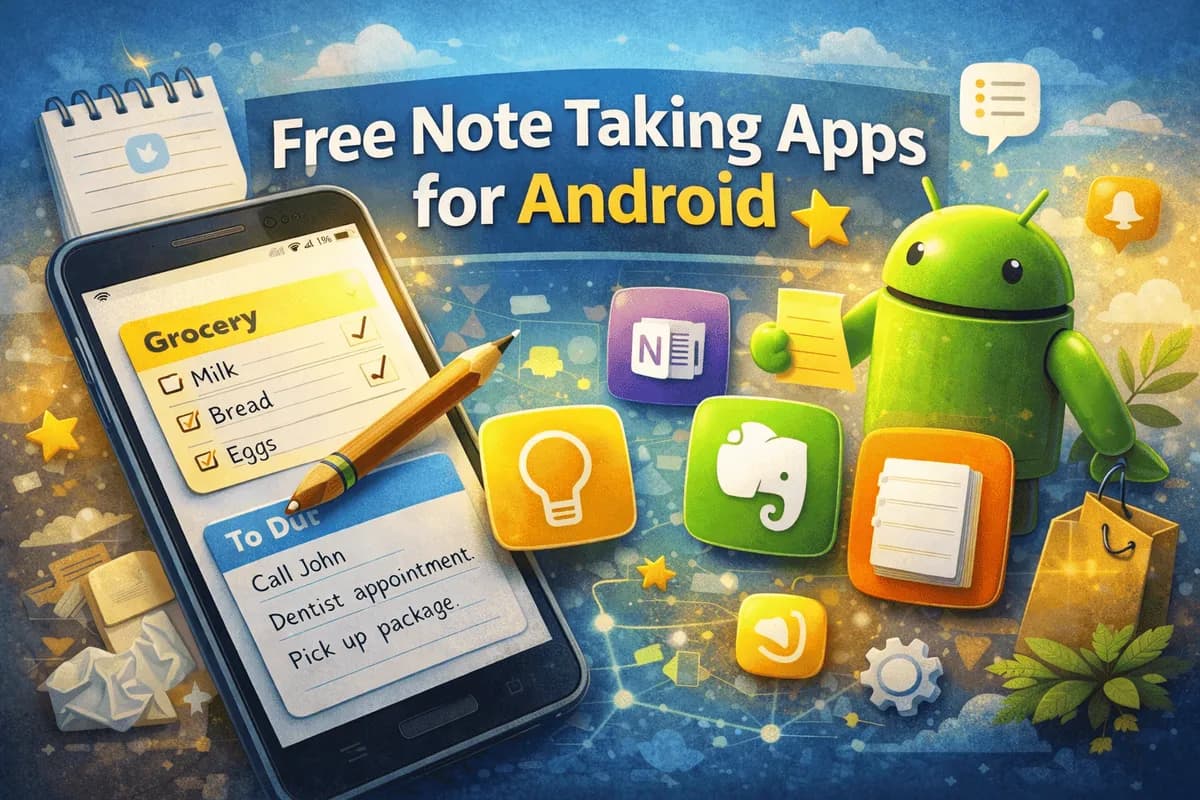
Having the best apps students can find is only part of the equation. Here are tips to make your self-learning more effective. You can capture lessons and revision notes with the best free note-taking apps for Android.
Set specific goals: Instead of "learn Spanish," aim for "complete Duolingo's Spanish course unit 3."
Study consistently: 15 minutes every day is more effective than 2 hours once a week.
Practice actively: Do not just watch videos. Take notes, solve problems, and apply what you learn.
Review regularly: Use spaced repetition to retain information over time.
Stay patient: Learning takes time. Progress is often slow and invisible until it suddenly becomes apparent.
Frequently Asked Questions
What is the best free learning app for students?
Khan Academy is one of the best apps students can use for free. It covers a wide range of academic subjects with high-quality video lessons, practice exercises, and progress tracking. Everything is completely free with no premium tier.
Are these apps available on both iPhone and Android?
Yes. All the best apps students featured in this guide are available on both iOS and Android. Most also have web versions that you can access from a computer.