Best Free Video Editing Software
Finding the best free video editing software can feel overwhelming when you first start exploring your options. Every tool promises professional results, but the reality is that some are genuinely powerful while others are limited trial versions of paid software. Whether you are creating content for YouTube, editing family vacation footage, or producing social media videos, there are excellent free options that deliver real results without hidden costs or watermarks.
This guide covers the best free video editing software available in 2026, explaining what each tool does well, who it is best suited for, and where it falls short. By the end, you will know exactly which video editor matches your skill level, platform, and creative goals. If you also create graphics for your videos, see our guide to using Canva for beginners.
What Makes a Good Free Video Editor?
Before diving into specific tools, it helps to understand what to look for in the best free video editing software. The key factors include:
Intuitive interface: Can you find the tools you need without watching hours of tutorials?
Export quality: Does the free version produce high-quality output without watermarks?
Essential features: Does it support trimming, transitions, text overlays, and audio editing?
Performance: Does it run smoothly on your hardware without constant crashes?
Format support: Can it import and export the video formats you work with?
The best free video editing software balances these factors to provide a smooth editing experience that grows with your skills.
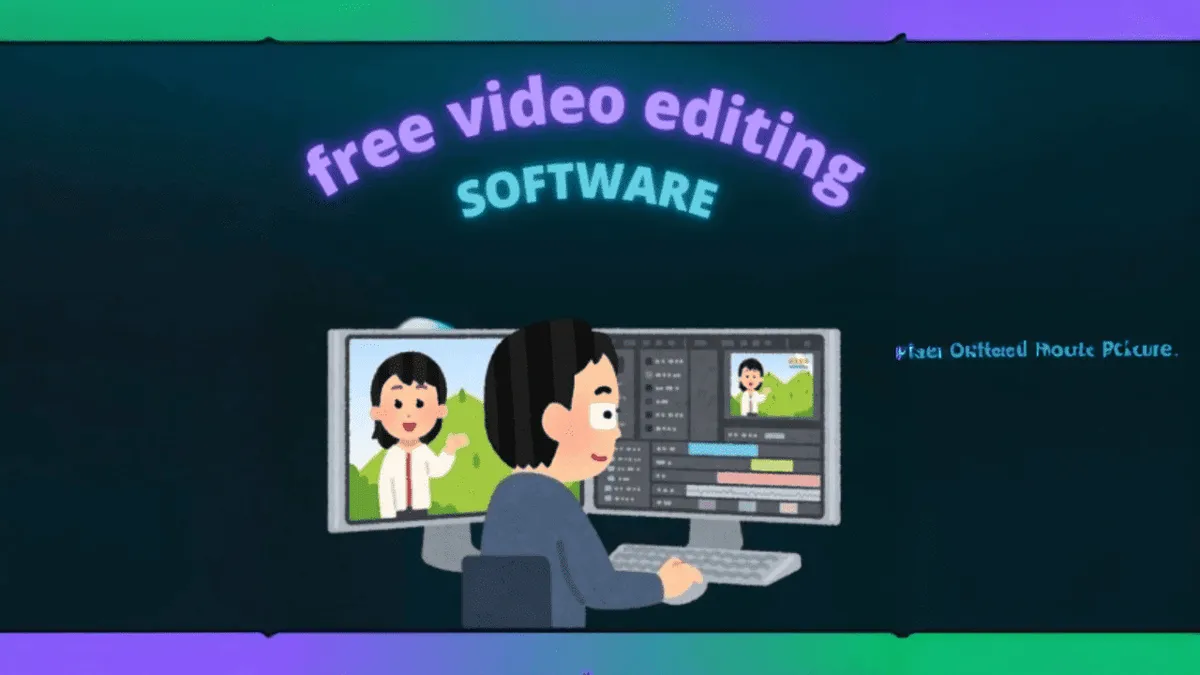
Top Free Video Editing Software in 2026
1. DaVinci Resolve
DaVinci Resolve is widely regarded as the most powerful free video editor available. It is a professional-grade tool used in Hollywood films and television productions, yet the free version is fully functional with no watermarks, no time limits, and no export restrictions. Download it from the official DaVinci Resolve page.
You get comprehensive editing capabilities including multi-track timeline editing, advanced color grading, professional audio mixing, visual effects with Fusion, and motion graphics. The learning curve is steep, but if you are willing to invest time in learning, DaVinci Resolve offers capabilities that rival software costing hundreds of dollars.
Best for: Serious filmmakers, content creators who want professional tools, and anyone willing to learn a complex but powerful editor.
Platform: Windows, Mac, Linux.
2. CapCut
CapCut has quickly become one of the most popular free video editors, especially for short-form content. Originally designed for TikTok, it now works as a standalone desktop and mobile application with powerful features that make editing fast and enjoyable.
CapCut includes built-in templates, auto-captions, effects, transitions, and a library of royalty-free music. The interface is clean and intuitive, making it easy to trim clips, add text, apply filters, and export videos in the right format for social media platforms. For beginners who want quick results without a steep learning curve, CapCut is often the best choice among the best free video editing software options available. Visit the official CapCut desktop editor page to get started.
Best for: Social media content creators, TikTok and Instagram Reels producers, and beginners who want fast, polished results.
Platform: Windows, Mac, iOS, Android, Web.
3. Clipchamp
Clipchamp comes pre-installed on Windows 11 and is also available as a web application. It is designed for simplicity and speed, making it perfect for quick edits and basic video projects.
The editor supports trimming, splitting, text overlays, basic transitions, and stock media from its built-in library. It is not designed for complex multi-track editing, but for straightforward projects like trimming clips, adding titles, and combining videos, Clipchamp gets the job done without overwhelming you with options.
Best for: Quick edits, Windows users who want a built-in solution, and projects that do not require advanced features.
Platform: Windows, Web.
4. Shotcut
Shotcut is a free, open-source video editor that offers more features than Clipchamp but is less intimidating than DaVinci Resolve. It supports a wide range of video formats, multi-track editing, audio mixing, and a good selection of filters and effects.
The interface may look slightly dated compared to newer editors, but it is functional and gets the job done. Shotcut does not have a watermark on exported videos and supports 4K editing, making it a solid choice for users who want more control than basic editors provide.
Best for: Users who want more features than basic editors without the complexity of professional tools.
Platform: Windows, Mac, Linux.
5. OpenShot
OpenShot is another free, open-source option that prioritizes ease of use. The interface is clean and straightforward, with drag-and-drop functionality that makes adding clips, transitions, and effects intuitive.
OpenShot handles multi-track editing, title creation, 3D animations, and unlimited layers. While it may not be as polished as some commercial alternatives, it provides everything needed for personal video projects, school presentations, and simple content creation without any cost or watermarks.
Best for: Beginners who want a simple, open-source editor for personal projects.
Platform: Windows, Mac, Linux.
6. Kdenlive
Kdenlive sits comfortably between basic editors and professional tools. It is open-source and provides multi-track editing, a good selection of effects and transitions, audio editing capabilities, and support for a wide range of formats.
The interface is more modern than Shotcut and OpenShot, with a layout that feels familiar to anyone who has used video editing software before. Kdenlive handles most editing tasks well and is a great stepping stone for users who have outgrown basic editors but are not ready for DaVinci Resolve.
Best for: Intermediate users who want more features than basic editors provide.
Platform: Windows, Mac, Linux.
7. iMovie
iMovie comes pre-installed on every Mac and is one of the cleanest, most intuitive video editors available. It includes templates, themes, built-in music, and a simple timeline that makes creating polished videos effortless.
You can add titles, transitions, green screen effects, and picture-in-picture overlays with just a few clicks. iMovie also integrates with Final Cut Pro for users who eventually want to upgrade to professional tools. For Mac users, iMovie is the obvious starting point among the best free video editing software options.
Best for: Mac users who want a clean, simple editor that produces professional-looking results.
Platform: Mac, iOS.
How to Choose the Right Video Editor
With so many options in the list of the best free video editing software, the right choice depends on your specific situation:
Want professional-grade tools for free? DaVinci Resolve
Creating social media content quickly? CapCut
Need a quick, simple edit on Windows? Clipchamp
Want open-source with more features? Shotcut or Kdenlive
On a Mac and want simplicity? iMovie
Just starting out and want ease? OpenShot or CapCut
Sometimes the best approach is to pick one editor and try it for a few projects. If it does not feel right, switch to another. The important thing is to start creating rather than spending weeks comparing features. You can also explore our guide to the best AI image generators for beginners for video thumbnails and artwork.
Tips for Getting Started with Video Editing
Regardless of which editor you choose from the best free video editing software list, these tips will help you improve faster:
Start with short projects: Edit 30-second to one-minute videos before attempting longer content
Learn keyboard shortcuts: They dramatically speed up your editing workflow
Watch tutorial videos: Most editors have excellent YouTube tutorials created by the community
Focus on storytelling: Good editing is about pacing and narrative, not flashy effects
Export in the right format: Use MP4 with H.264 encoding for the best compatibility across platforms
Save your project files: Keep editable project files in case you need to make changes later
Common Beginner Mistakes in Video Editing
Most beginners make the same mistakes when starting with video editing. Avoid these to improve faster:
Overusing transitions: Simple cuts are usually more effective than fancy transitions
Ignoring audio quality: Bad audio ruins good video. Invest time in cleaning up your audio
Using too many effects: Restraint is key. Effects should serve the story, not distract from it
Not organizing media: Keep your project files organized from the start to avoid confusion later
Spending too long choosing software: The best editor is the one you actually use. Start editing now
Final Thoughts
The best free video editing software in 2026 offers capabilities that would have cost hundreds of dollars just a few years ago. Whether you choose the professional power of DaVinci Resolve, the social media speed of CapCut, or the clean simplicity of iMovie, you have everything you need to create polished, professional-looking videos.
Do not get stuck in analysis paralysis comparing every feature of every editor. Pick one that matches your current needs, learn it well, and create. You can always switch later as your skills and requirements evolve. The most important step is to start.
Frequently Asked Questions
What is the best free video editor for YouTube beginners?
CapCut and DaVinci Resolve are both excellent choices. CapCut offers the fastest path to polished results with built-in templates and effects. DaVinci Resolve has a steeper learning curve but provides professional-grade tools that will grow with your channel. Both export without watermarks.
Do free video editors add watermarks to exported videos?
The editors recommended in this guide do not add watermarks: DaVinci Resolve, CapCut, Clipchamp, Shotcut, OpenShot, Kdenlive, and iMovie all produce watermark-free exports. Be cautious of other free editors that advertise as free but add watermarks to encourage paid upgrades.